

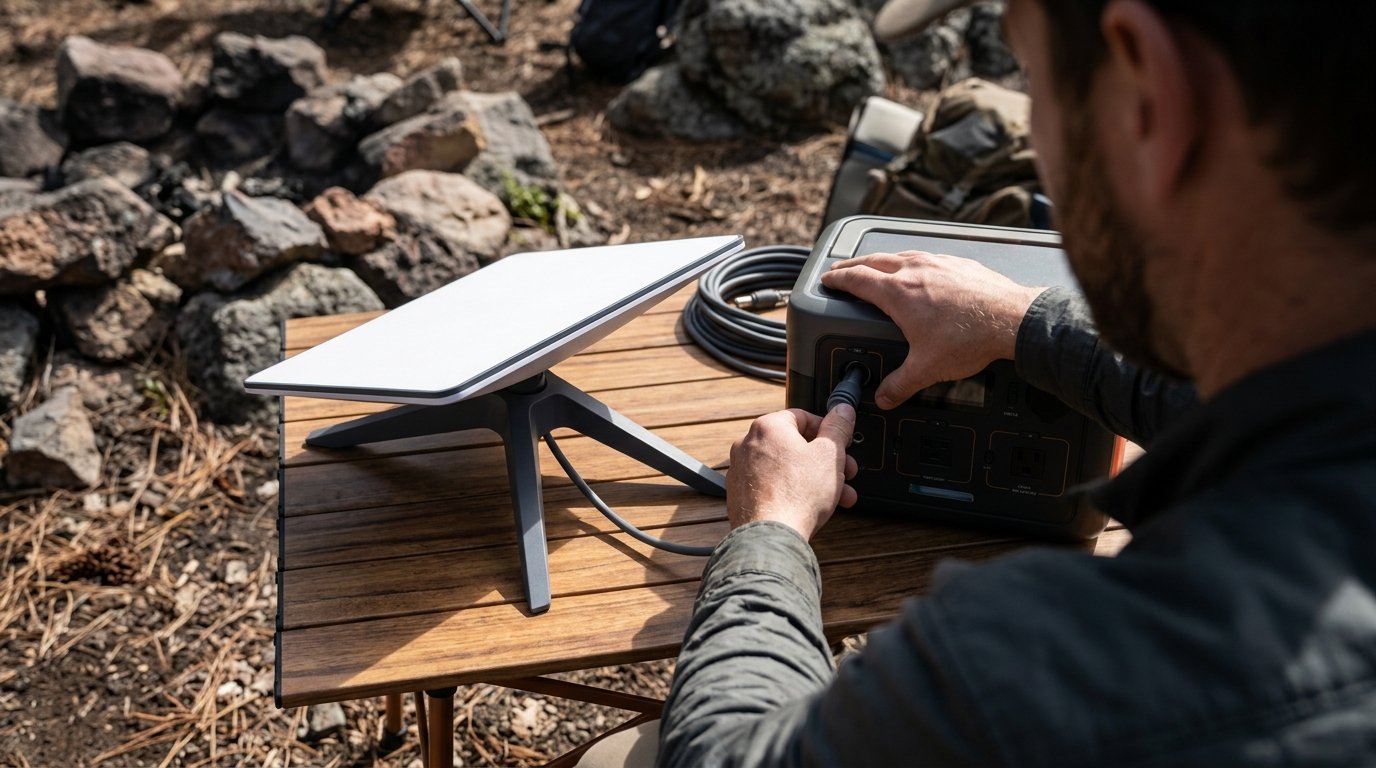
Starlink mini camping is changing how outdoor enthusiasts, van-lifers, overlanders, and remote workers stay online far beyond cell towers. But does the Starlink Mini actually fit real-world camping and overlanding needs? Here’s a research-backed evaluation—get clear, practical advice before you click buy.
Key Takeaways
- Starlink Mini makes true high-speed satellite internet possible off-grid, weighing just 2.4 lb and sized for backpacks or van cabinets.
- Runs from USB-C PD or 12V DC, drawing 20–40W—easy to power with today’s portable batteries, but you must plan for consumption.
- Offers full broadband for stationary use; inReach and traditional cell boosters still outperform for low-power texting, SOS, or connection while moving.
Table of Contents
Why Consider Starlink Mini for Camping & Overlanding?
The Starlink Mini stands out as a game-changer for starlink mini camping and overlanding because it solves the one issue that plagues anyone going truly off-grid: reliable, fast internet in places where phones go dead. Unlike older satellite setups or mobile WiFi hotspots that still depend on cell service, the Mini runs anywhere with open sky.
At “about the size of a laptop (11.8″ x 10.2″ x 1.45″) and weighing just 2.4 lb, with an integrated Wi-Fi router,” the Starlink Mini fits into a backpack or tight van-life overland rig (source). This balance of portability, ease of use, and full broadband speeds is what makes it attractive for camping, solo motorcycle trips, and extended vehicle adventures where cell towers vanish.
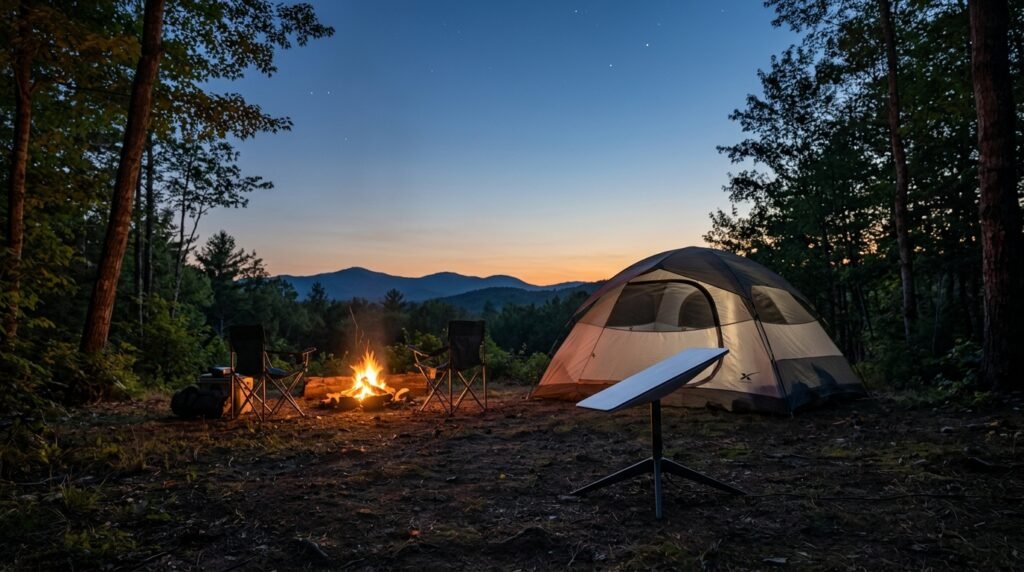
The built-in WiFi 5 router (supporting up to 128 devices) lets you share a single, powerful campsite connection to phones, tablets, laptops—or to work remotely, stream, upload drone footage, and more. The difference for overlanders is stark: Standard Starlink kits require AC power and take up more space, while Mini is truly mobile, lighter, and DC-power ready (source).
For those regularly venturing into national forests, deserts, or backcountry without reliable cell coverage, few devices offer internet performance on par with what Starlink Mini delivers—assuming you have clear sky ahead and know how to set it up right.
Setting Up Starlink Mini in the Wild: What You Need to Know
Getting your starlink mini camping setup working well in the wild isn’t rocket science, but a few real-world lessons make all the difference:
- Scout for Clear Sky: Starlink Mini needs an unobstructed view of the sky, especially northward in North America. Find an open area free from tall trees, cliffs, or dense RV canopies.
- Power Up with the Right Source: The Mini runs on 12–48V DC or 100W USB-C PD. The included 15-meter cable lets you keep the dish out in the open while your camp or van stays sheltered (source).
- Mounting Options: Mini stands up with its basic kickstand on flat ground but fits most photography tripod mounts. For vehicles, use pole or roof-rack solutions for stability in wind. Don’t skimp on secure mounting if storms are in the forecast or if you’re in exposed terrain.
- Activate Roam Plan: The “Roam” plan enables use across North America. Activate this in your Starlink account to ensure connectivity as you move region to region (source).
- Quick Start: Plug in, power up, use the Starlink app for alignment, and wait for the dish to lock onto satellites. Expect 2-5 minutes from boot to broadband, longer under heavy cloud or forest cover.
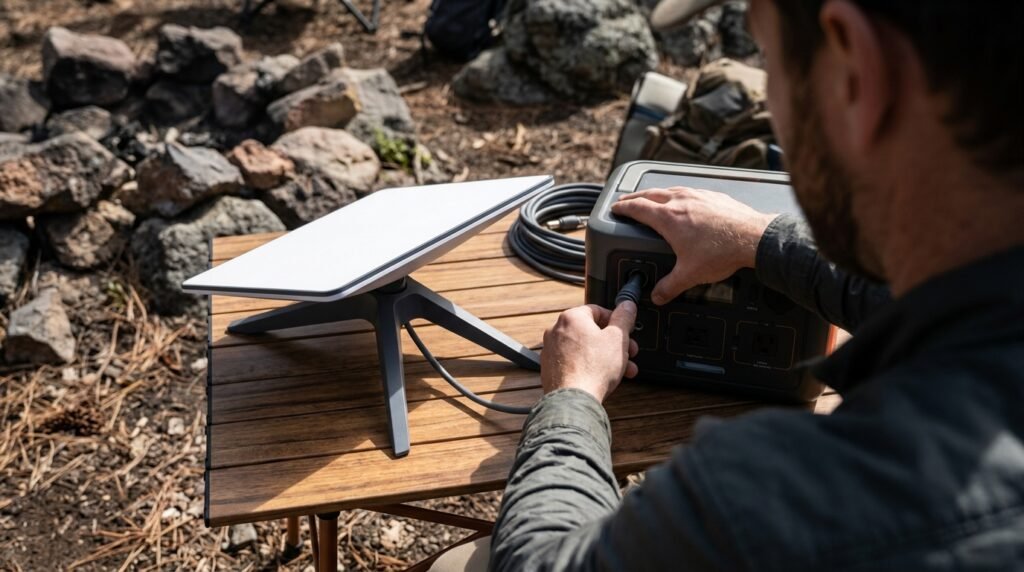
Outdoor performance tips:
- If strong winds threaten, use guy lines or bungees from the kickstand to tent stakes.
- There is no Ethernet on the Mini—if you need wired connectivity, buy a USB-C/Ethernet adapter and test it before your trip.
- For noisy campgrounds or remote work, orient the dish as far from your sleeping pad as that 15-meter cable allows; startup noise is minimal, but avoid tripping on cables at night.
Want to maximize off-grid cookouts and chill time too? Pair Starlink Mini with a compact portable camping stove for hot meals, or a rugged action camera if you plan on streaming.
Power Needs Off-Grid: How Long Can Starlink Mini Run?
Many campers ask: How much power does the Starlink Mini really draw? Here’s what testing shows:
- Startup: 35–50W for 2–5 minutes
- Steady use: Drops to the low 20W range after settling (source).
This makes it practical for anything from overnight camps to multi-day van trips, provided you size your battery right. In real usage, here’s what you’ll get:
- With a 12V, 45Ah battery (~540Wh), expect 5–8 hours of active internet time (source).
- A 768Wh portable power station (like Jackery/Anker mid-sized models) enables 30+ hours of use—perfect for weekend festivals or week-long overland trips.
- Small USB-C PD power banks work for a few hours but must provide true 100W sustained output for reliability.
If you use a motorcycle camping power station or run solar, expect variable results—cloud cover, short winter days, or running other appliances can cut runtime. Practice at home to fine-tune your setup.
For energy misers or motorcyclists, check out truly ultralight charging with a portable solar charger or see our full lightweight motorcycle camping gear guide.
Power-saving tips:
- Power Mini off at night (it can draw standby watts if left on).
- Download Netflix/Podcasts/Maps in advance; avoid streaming hours unless necessary.
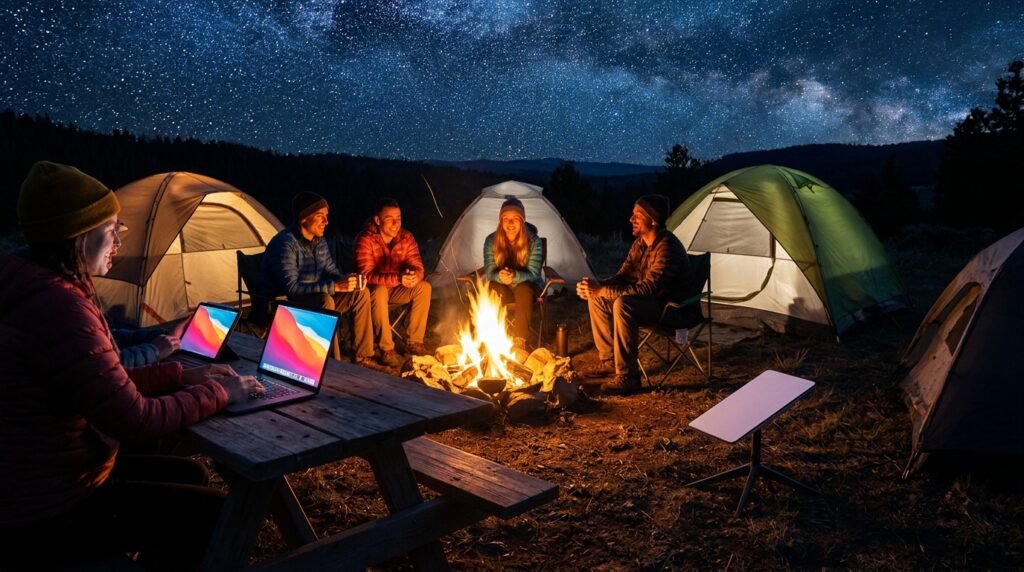
- Share one dish with neighboring campers—support up to 128 concurrent devices via built-in WiFi 5 (source).
Starlink Mini vs. inReach & Other Connectivity Options
Should you bring Starlink Mini, a Garmin inReach, or a cell signal booster? The right choice depends on your adventure and safety needs:
| Feature | Starlink Mini | Garmin inReach | Cell Booster/Hotspot |
|---|---|---|---|
| Internet Type | Full broadband (100–150 Mbps) | Text-only global messaging, SOS | Cellular only |
| Works while Moving? | No—must be stationary | Yes | Yes, in coverage zone |
| Power Draw | 20–40W | Under 3W | Low–moderate |
| SOS Feature | No (app only, needs bandwidth) | Dedicated global SOS | No |
| Ideal for? | Remote work, video calls, group sharing at camp | Global emergency, solo safety, low-power texting | City fringe, rural with weak LTE/3G |
For starlink mini vs inreach users, the most realistic scenario is: Bring Starlink Mini when you need real internet, not just messaging, and mostly camp somewhere you can set up stationary. Bring inReach (see our satellite tracker review) if safety and true global emergency texts are priority or you’ll be on the move all day.
If you’re an adventure rider or need satellite while traveling, realize that Starlink Mini will NOT work for mobile navigation or distress beacons. Pairing both offers the ideal mix: Mini for base camp Wi-Fi, inReach for on-the-go safety.
Motorcycle overlanders: Some try a “starlink roam motorcycle” setup with a bike-mounted solar kit and Mini, but weight and power make it best for camping stops, not for use while riding. Combine with smart ultralight camping gear and a budget ADV kit for best packability.
How Much Does It Cost & Where to Buy?
The total cost for starlink mini camping breaks down into hardware and ongoing service:
- Hardware: $299–$499 USD for Starlink Mini dish with built-in WiFi router (pricing varies by country and promos).
- Service: Roam plans for North American use, typically $5–$50/month depending on 50GB vs unlimited options (source).
- Bundles sometimes include mounting gear and longer cables—double check bundle details before buying.
Where to buy: The only reliable sales channel is through the official Starlink site, which handles region-specific hardware, coverage verification, and Roam plan signup at checkout. Beware “used” or gray-market kits—hardware must be activated on your account and in your region, or it could be locked or not roam-eligible.
Set aside budget for a compatible USB-C 100W PD power bank or 12V DC power station if you aren’t running your Starlink from a van or RV battery.
Save by checking for free month trials or hardware discounts on the official page before placing your order. For campers in Canada, Australia, or remote US regions, check for regional hardware SKUs and customer support contacts.
Is Starlink Mini Worth It for Your Adventures?
So, should you add Starlink Mini to your off-grid or van-life kit? Here’s when it shines—and when it might not be worth the space:
- Best For: Digital nomads, van-lifers, family camping with multiple connected devices, outdoor professionals uploading large media files after hours, and anyone who wants true “home internet” at a backcountry base camp.
- Less Useful For: Ultralight backpackers with minimal battery reserve, anyone needing “live” internet while moving, or strictly solo adventurers prioritizing SOS and text-only safety (inReach still wins on power, weight, and instant global SOS).
If you have a clear line of sight and enough battery, the built-in WiFi (supporting up to 128 gadgets) really can make remote work or group campouts much less stressful. Just plan for extra power, keep the sky as unobstructed as possible, and set realistic expectations about uptime in stormy or deeply wooded zones.
In short: starlink mini camping offers true mobile broadband where cell towers don’t reach. For those balancing productivity, safety, and enjoyment outdoors—it’s a leap forward, but it’s not the only tool for every job.
Ready to upgrade your remote adventures? Explore our proven guides on camping safety checklists, heated vests for chilly nights, or electronic hearing protection and lane-splitting in comfort. Make your next overland trip seamless—plan and power up with confidence.
Starlink Mini Camping: FAQ
How does Starlink Mini compare to traditional Starlink for camping?
Starlink Mini is about 40% smaller, runs on 12–48V DC/USB-C power, and integrates the WiFi router in the dish itself—making it much easier to carry and set up than Starlink Standard, which is bigger and AC-only. Both offer similar broadband speeds, but the Mini is best for mobile lifestyles.
Will Starlink Mini work everywhere I camp?
No. You need an open sky for best performance; thick woods, canyon country, or urban environments can significantly reduce signal strength or cause dropouts. Always set up where the dish has a broad view—especially to the north in most parts of North America.
How do I power Starlink Mini off-grid for van life?
You’ll need either a 12V/45Ah battery or a portable 100W USB-C PD power station, depending on trip length. For full-time van life, consider a 500Wh or larger power station with solar input and monitor power use with your other appliances to avoid drains.
Does Starlink Mini have built-in SOS or messaging?
No. Starlink Mini provides internet for app-based services, but it doesn’t offer dedicated SOS like Garmin inReach. For critical emergency functionality, bring an inReach or other satellite messenger alongside Starlink Mini.
Can I use Starlink Mini while driving or on a moving boat?
No, Starlink Mini must be deployed stationary to connect. If you need messaging or tracking on the move, a device like Garmin inReach is essential.
—