

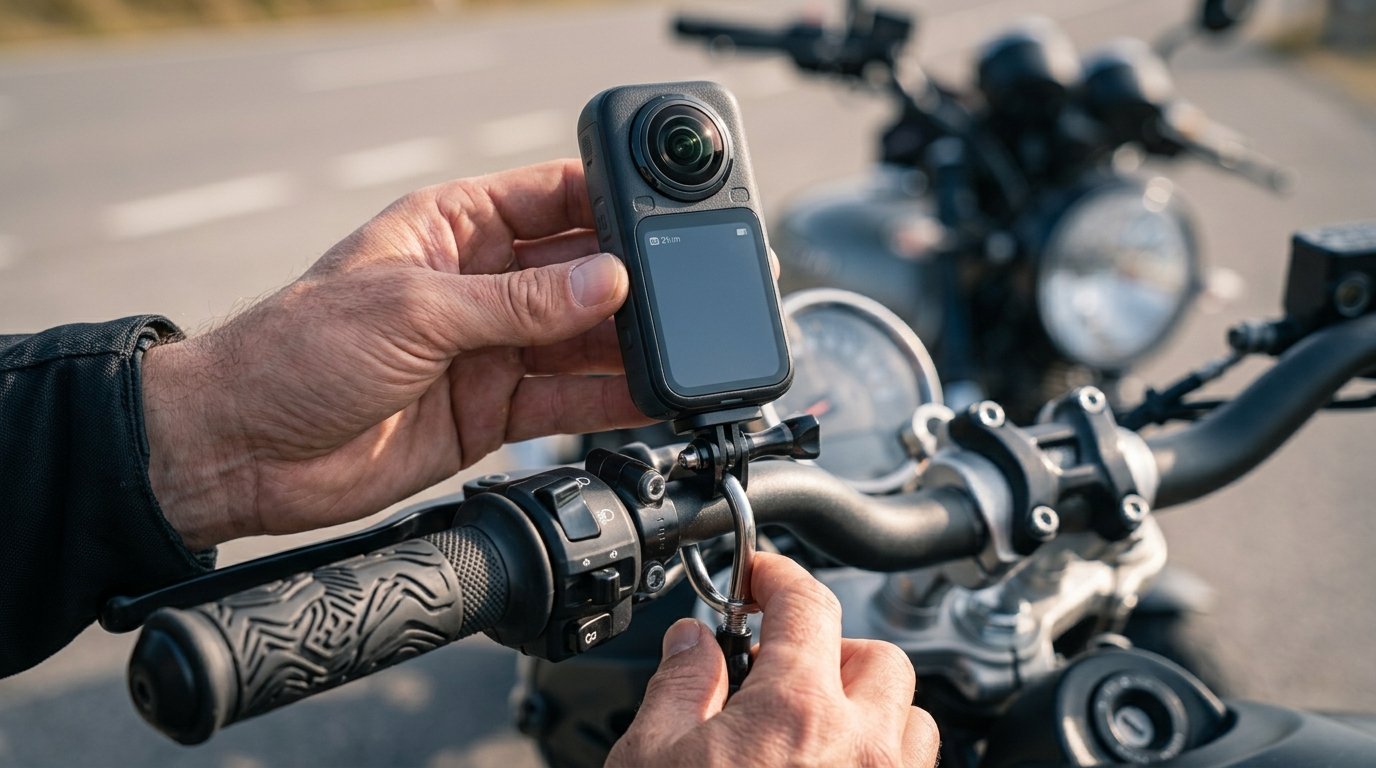
Insta360 X6 motorcycle setups have changed the way riders capture their journeys, unlocking immersive 360-degree perspectives with pro-level clarity. Getting those breathtaking ride shots takes know-how—both in choosing the right accessories and in mounting, setting up, and editing for optimal results. Here’s your complete, hands-on guide to mastering the Insta360 X6 for motorcycle filming in 2026—without endless trial and error.
Key Takeaways
- The Insta360 X6 is the leading 360 camera for motorcycle content thanks to its advanced sensors, waterproof rating, and versatile accessory ecosystem.
- Getting epic shots hinges on choosing the right motorcycle accessories—and knowing exactly where and how to mount the X6 for creative, stable footage.
- Smart setup, battery habits, and post-production techniques make the difference between amateur and cinematic motorcycle ride videos.
Table of Contents
Why the Insta360 X6 is the Best 360 Camera for Motorcycles in 2026
The Insta360 X6 sets the standard for motorcycle 360 cameras in 2026. Riders demand footage that is not just crisp and immersive but also reliably stabilized and weatherproof. The X6 delivers with dual 1-inch square sensors, a Triple AI chip, 8K 50fps recording, 10-bit color, and class-leading FlowState stabilization. Its rugged 20-meter waterproof rating and replaceable lenses mean you can film through mountain storms or dusty trails—no fuss, no constant lens anxiety.
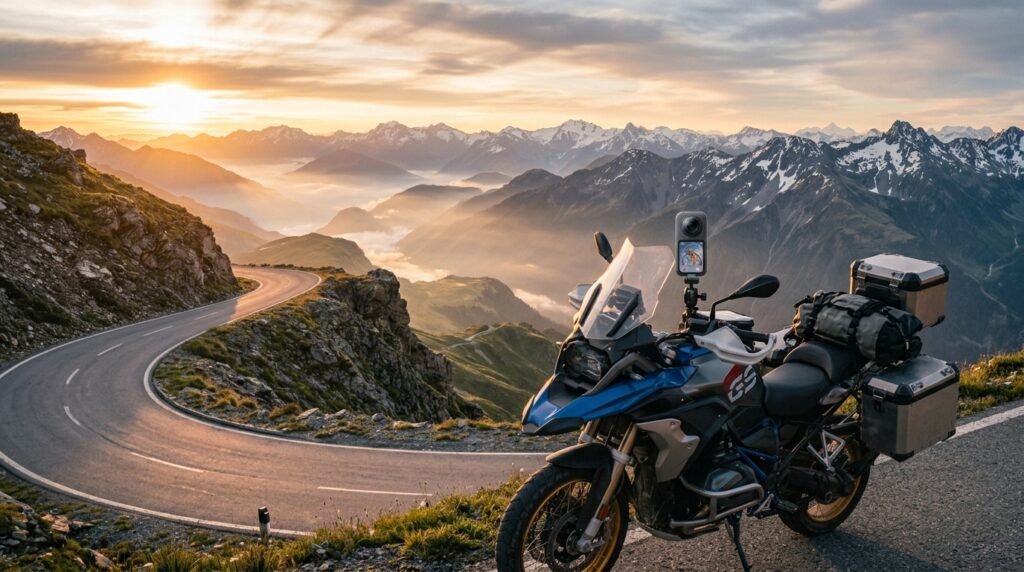
This isn’t just marketing hype. According to a recent research report, “The Insta360 X6 offers dual 1-inch square sensors, Triple AI chip, 8K 50fps recording, 10-bit color, FlowState stabilization, and a 20 meter waterproof rating, making it the strongest all-weather performer for motorcycles.” In the real world, this translates directly to smoother helmet shots, cleaner night rides, and creative freedom in rain or shine.
The Insta360 X6’s all-weather motorcycle bundle also means less shopping guesswork and quick, secure installs—leaving you more time to ride and create. If you’re cross-shopping, it’s consistently ranked the best 360 camera for motorcycle content by both reviewers and riders.
Essential Insta360 X6 Motorcycle Accessories: Step-by-Step Guide
Getting great 360° bike footage starts with the right motorcycle accessories and a smart, stable setup. Here’s exactly what you need and how to do it:
- Start with the Insta360 X6 motorcycle bundle.
This kit includes a Heavy-Duty Clamp Mount (with wrench), two Flexible Adhesive Mounts (with 3M backings), a set of 1/4-inch adapters, an All-Weather USB Charging Cover, a 128GB memory card, and a 1-year FlexiCare plan. These core parts are built to survive long trips, wild weather, and constant daily use.
See full accessory details here. - Choose the right mount for your shoot angle.
- Handlebar: Use the heavy-duty clamp or aftermarket double super clamp for secure, vibration-damped shots. Great for cockpit and forward POVs.
- Helmet: Apply a Flexible Adhesive Mounts (3M-backed) on the chin, side, or top for true-perspective and rider POV. Clean and dry the area thoroughly for max stick.
- Tank or windscreen: The flexible adhesive mount is perfect for ultra-low or ultra-high action angles.
- Invisible Selfie Stick: Secure one for unreal third-person “drone” perspectives—especially dramatic when extended or mounted behind/rising from the rear rack.
- Add essential X6 motorcycle accessories for weather, audio, and longevity.
- All-Weather USB Charging Cover
- X6 Lens Cap and ND filters
- Mic Windshield for cleaner wind-resistant audio
- Extra Lite or Xtreme batteries + optional Fast-Charge Case
These upgrades are critical for all-day shooting and for protecting your motorcycle 360 camera investment. See official X6 motorcycle accessories.
- Mount and position for creative, stable results.
- Always secure with anti-slip rings and thumb screws included in the kit.
- Angle the lens parallel to the ground for smoother horizon lines and less post-editing.
- If possible, use dual mounts (e.g. helmet plus tank) and alternate between rides to find killer angles with less trial and error.
- Load the memory card and set up the app.
- Insert your high-capacity 128GB card before you leave. Charge up, then slide on the all-weather USB cover.
- Connect the X6 with your phone app for remote control, preview, and quick settings tweaks.
- Enable 360 Horizon Lock and FlowState stabilization before your ride.
- Both features are critical for eliminating tilt and shakes common to motorcycle videos, especially over rough roads.
- Start rolling and forget about missing the shot.
- 360° recording means you can reframe after the ride, so you never miss the best angle—just ride and enjoy.
- You can even swap memory cards on longer tours. For details on ride packing, visit our guide on the motorcycle tour packing list.
- Reframe and edit in post-production for cinematic effect.
- Use the Insta360 app or desktop software to apply AI subject tracking, slow motion, and manual pan/zoom.
- Don’t rush the edit—good reframing is where 360 footage truly shines.
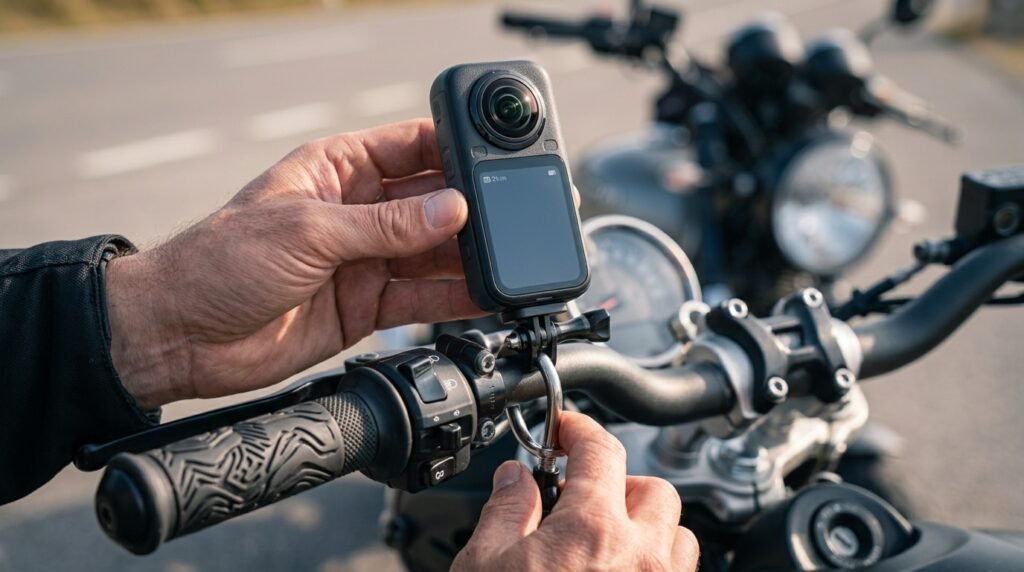
For more creative mounting inspiration, this in-depth mounting guide will help you experiment safely and expand your shot list.
Riders who film all-day tours or camping rides should check out our reviews for other long-haul gear, including the heated vest for chilly mountain mornings and a portable camping stove for roadside breaks.
Advanced Analysis & Common Pitfalls
Using the Insta360 X6 motorcycle system unlocks creative freedom, but even the best 360 camera for motorcycle riding comes with a learning curve. Here’s what seasoned users wish they’d known—and how the X6 stacks up against rivals in the real world.
Stability and Mounting Challenges
- Handlebar clamps may loosen after hours of vibration—always check hardware at each stop.
- Adhesive mounts can fail on dirty helmets or tanks, especially in extreme rain and heat. Prep surfaces religiously with alcohol wipes.
- Long selfie sticks create dramatic effects but introduce more shake at high speed. Use FlowState stabilization and brace against the bike whenever possible.
Storage, Battery, and Weather Considerations
- 8K 360 video eats through storage—128GB fills up quickly on all-day rides. Bring a spare card or drop to 5.7K if you need more run time.
- Battery swaps can be fumbly with gloves; always store charged spares in an easy-access pocket, especially in cold climates.
- While the waterproof X6 can handle rain, lens fog and dirt still happen. Keep a microfiber pouch (included in the kit) handy for quick cleans.
Post-Production Workflow: Power and Pitfalls
- Reframing is a creative superpower, but heavy 8K files require a recent smartphone or desktop to edit smoothly. Offload and back up footage ASAP.
- Sound can be underwhelming above 50 mph. Always use a mic windshield and consider in-helmet comms or external audio recorders for voiceovers.
Insta360 X6 vs GoPro Mission 1 Pro: Quick Comparison
| Feature | Insta360 X6 | GoPro Mission 1 Pro |
|---|---|---|
| Video Resolution | 8K 50fps 360° | 8K single-lens, 6K 360° |
| Sensors | Dual 1-inch square | Dual 1/1.3-inch |
| Waterproofing | 20-meter (no case) | 10-meter (with case) |
| Accessory Ecosystem | Bundled heavy-duty kit, selfie stick, ND, helmet/tank mounts | Mostly third-party, extra purchases required |
| User Experience | Simple app, easy reframing, built for hands-off use | Steep editing workflow, massive files, pro-level software |
| Price (2026) | $$$ (bundle discounts often available) | $$ (lower, but less included) |
As reported: “The X6’s 8K 360 video, robust mounting kit, strong accessory ecosystem, and simple post-process reframing make it far easier for most riders to use than GoPro’s Mission 1 Pro—though pros may prefer the latter’s advanced workflows.” Read the full review here.
To protect your investment, consider gear tested for weather and adventure: our guide to motorcycle jackets for women, top action cameras for 2025, and tips on hydration pack use on multi-day tours are all packed with actionable advice for adventure riders.
Conclusion
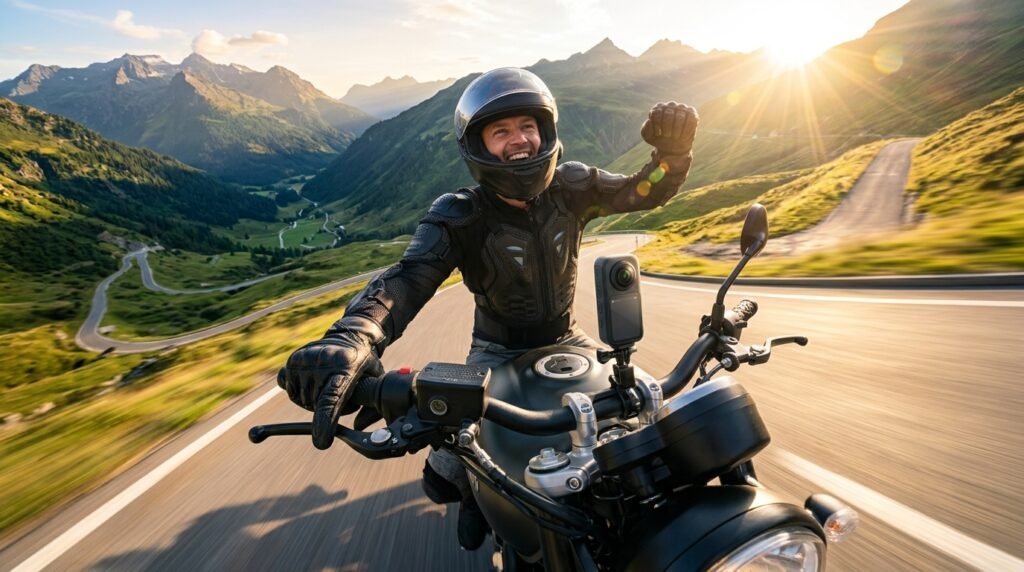
Mastering the Insta360 X6 motorcycle setup is about more than hardware: it’s knowing which accessories matter, how to mount for each shot, and how to dial in settings and workflow for pro-level results—without hours of wasted footage. The X6 is the best 360 camera for motorcycle content right now thanks to real-world usability, weatherproof protection, and a mounting ecosystem that makes creative angles easy and reliable. Don’t settle for boring footage—equip your ride, get creative, and let every mile tell a bigger story. Ready to capture your next adventure in 360? Start with the X6, experiment with mounts and settings, and chase the footage you’ll want to watch (and share) again and again.
FAQ
Is the Insta360 X6 truly waterproof for motorcycle riding?
Yes. The X6 is rated for up to 20 meters water protection without a case, making it suitable for heavy rain, splashes, and even off-road mud. Still, always use the All-Weather USB Charging Cover for full protection.
Which Insta360 X6 motorcycle mount is safest for high speeds?
The heavy-duty clamp mount (included in the bundle) is the most secure for handlebars. Use anti-slip rings and check tightness each stop. For helmet shots, a 3M-backed flexible adhesive mount is best—just prep the surface well beforehand.
How do I avoid shaky or tilted 360 footage?
Enable FlowState stabilization and 360 Horizon Lock in the Insta360 app before you start filming. Mount the camera parallel to the ground, and avoid long selfie sticks in very windy or high-speed conditions unless you can brace them.
What are the best X6 motorcycle accessories for long touring rides?
Bring extra batteries (Lite or Xtreme), a Fast-Charge Case, a Mic Windshield, ND filters, and the Invisible Selfie Stick. Also pack protective lens caps and a microfiber pouch for lens cleaning.
Can I use the X6 footage with other editing apps?
Yes. While the Insta360 app and Studio desktop are easiest for reframing and AI tricks, you can export standard MP4 files for use in DaVinci Resolve, Adobe Premiere, or other editors. Just keep in mind 8K files are very large.
—